
The RiverCPD app · iPhone and Android
Log CPD in thirty seconds. Not the night before renewal.
Photo the certificate, note what you learned and see what your scheme still needs. Free to download, and it uses the account you already have.
Who it's for
If your CPD is on RiverCPD, the app is yours.
Your professional body runs it
Your body records its members' CPD on RiverCPD. Use the link or code it sent you, and your scheme's rules and targets are already set up.
Your employer runs it
Your company keeps its team's CPD on RiverCPD. Use the invitation it sent you, and sign in with the email it was sent to.
We run it for your sector
For some professions, RiverCPD is open to everyone in the sector. Basic is free. Pro adds every AI feature for £18 a year.
Getting started
Three steps, then you're recording.
- Download RiverCPD from the App Store or Google Play. It's free.
- Find your scheme: open the link your professional body or employer sent you, scan the QR code in the bottom-left of RiverCPD on the web, or type your scheme's code.
- Sign in with the account you already use. Your record is the same in the app and on the web.
In the app
Everything your CPD needs, on your phone.
Photo it. Done.
Photo a certificate, scan a document or share a file from your phone, and it becomes an entry.
No signal? Keep going.
Write an entry offline. It uploads when you're back online.
See what's left.
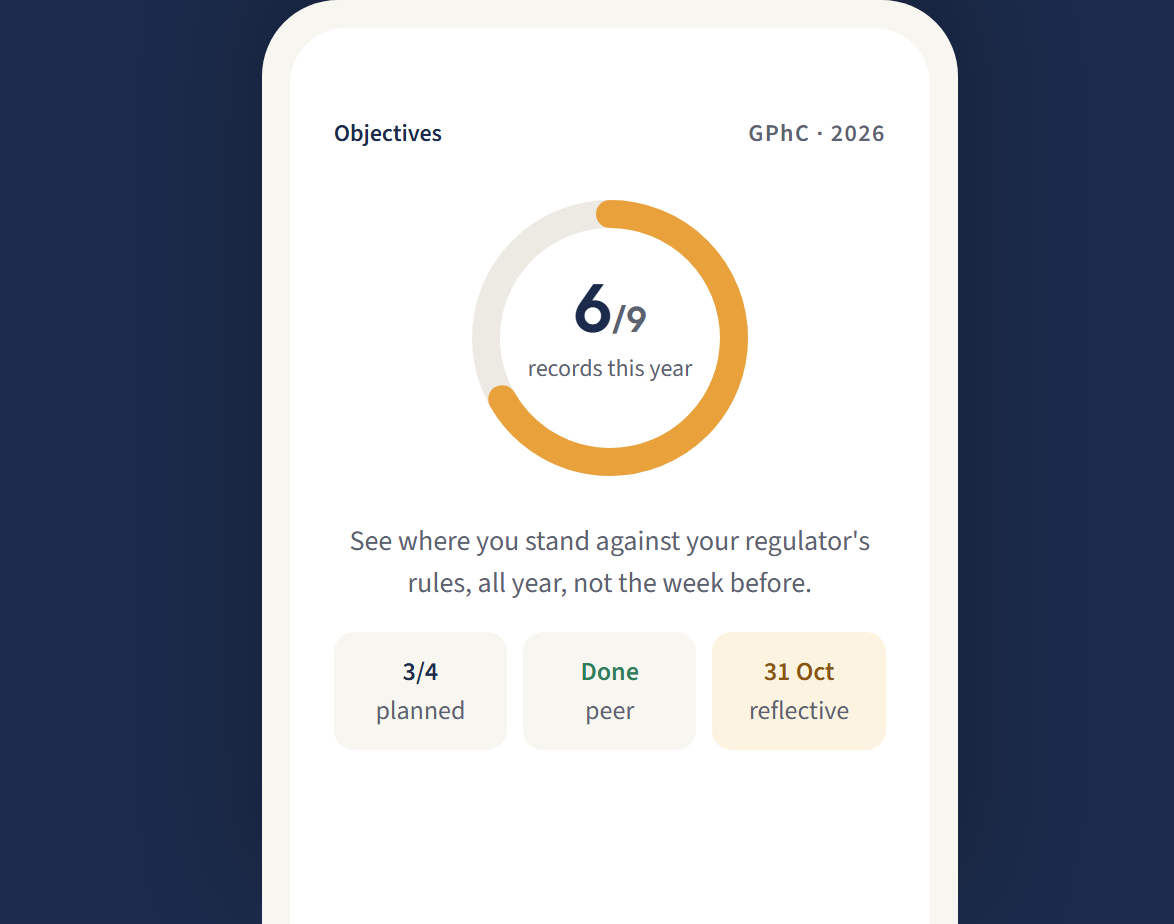
Your progress against your scheme's target, all year round. Not the week before renewal.
Reminders you control.
Deadlines and announcements arrive as notifications. Switch off any type you don't want.
Questions people ask
Is the app free?
It's free to download. What you pay for RiverCPD depends on how you get in. If your professional body or employer runs it, they set the terms. On a sector platform, Basic is free and Pro is £18 a year.
Do I need a new account?
No. Sign in with the account you use on the web. New to RiverCPD? Start from the link or invitation your professional body or employer sent you.
Does it work without a signal?
Yes. Write an entry with no signal and it uploads when you're back online.
I can't find my scheme.
Ask your professional body or employer for its link or code. If your profession isn't on RiverCPD yet, find your profession and ask us to add it. Anything else is in RiverCPD help.
Get RiverCPD on your phone.
Free on iPhone and Android, with the account you already have.